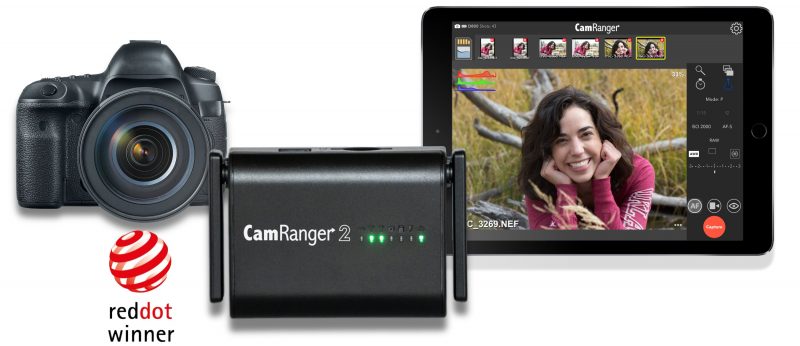
“This CamRanger 2 is a huge improvement over the original. It is better built, faster and has so much more features.”
Casey D.
★★★★★Rated 5 out of 5
“Love my Camranger 2. One of the best pieces of equipment in my bag. Makes my work so much faster. Product support is amazing as well.”
Sean S.
★★★★★Rated 5 out of 5
“There’s too many improvements over the original CamRanger to go through a list, but my favorite thing to date is the SPEED!”
Mark B.
★★★★★Rated 5 out of 5
“I moved from Canon to Sony. I missed the functionality that CamRanger had given me on the Canon. I am now very happy to have regained that functionality with CamRanger 2 on the Sony. I’m one happy customer.”
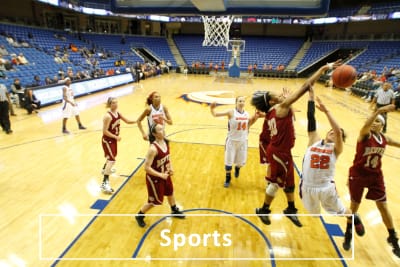
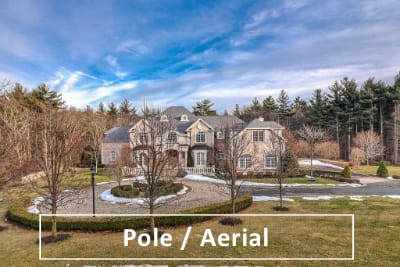
Using the CamRanger to wireless tethering and control the camera has many uses, enabling photographers to get better shots and in less time. The CamRanger can open up new possibilities.
The original and best
In 2012, the original CamRanger revolutionized wireless tethering and since then has been the top choice for photographers. We are dedicated to producing professional level technical solutions and top-notch support. These efforts have certainly been recognized in the industry.
Award Winning:
As seen in:
Professional Features
Wireless Control
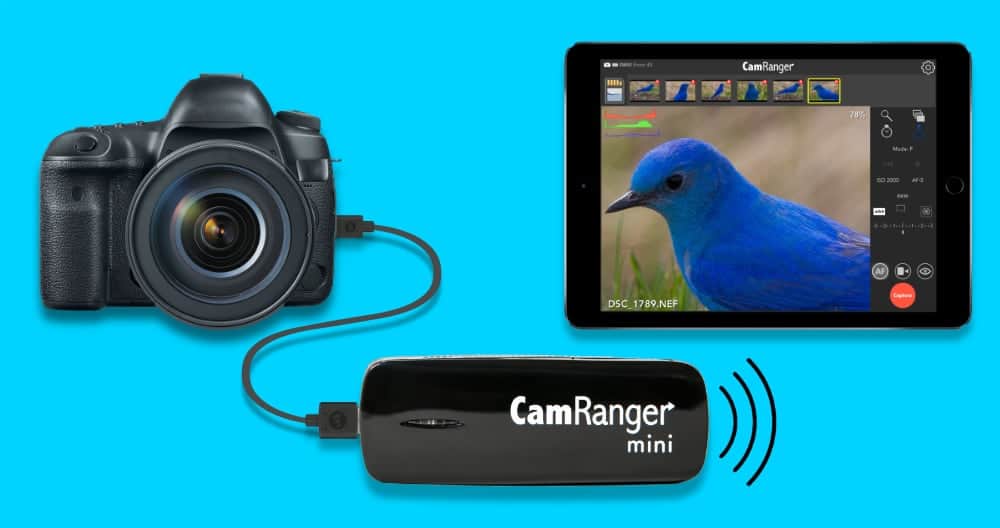
Wirelessly control your camera with the CamRanger generated WiFi network. Or shoot from your camera and wirelessly transfer images to a phone, tablet, or computer.
View & Capture Images
Capture images remotely or with the camera. View full resolution images to check composition and exposure. Zoom in to check details.
Camera Settings
Remotely change and view camera settings: Aperture, Shutter Speed, ISO, White Balance, Drive/Shooting Mode, Focus, Metering Mode, Image Format, Exposure Mode, and more.
Live View
Wirelessly stream live view to your iPad, iPhone, Android device, or Mac or Windows computer. Check focus by zooming in.
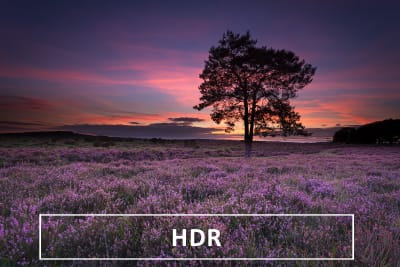
HDR / Bracketing
Don’t be limited by your camera’s bracketing options. The CamRanger provides for much more powerful and flexible bracketing options.
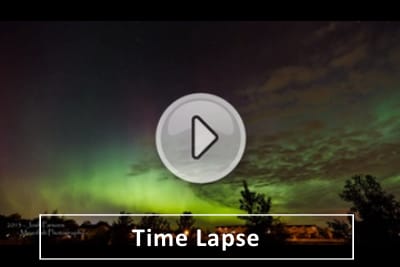
Intervalometer / Time Lapse
Perform advanced time lapse sequences and custom timer shots. Precisely control bulb shots as well.
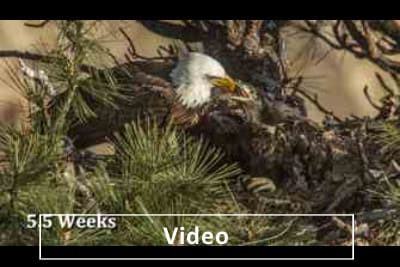
Record Video
Wirelessly record movies to view and edit later. Start and stop recording, adjust focus, and see what is being recorded.
Macro / Focus
Perfect for macro photography where your camera is in awkward locations or very precise focus control is needed. Use automatic focus stacking for enhanced depth of field.
Motorized Tripod Head
Remotely pan and tilt your camera with the optional PT Hub and MP-360 motorized tripod head.
We use cookies to ensure that we give you the best experience on our website. Please only continue using our site if you are happy with that.